

Image Color Picker Deep Dive: A Professional Solution from Color Extraction to Design Implementation
Laoniuma Tools Image Color Picker: AI-powered intelligent analysis with frontend-only privacy protection. Accurately extract color information from images, support Hex/RGB color values, automatically generate harmonious color palettes. Perfect for brand design, web development, photo post-processing, and more.
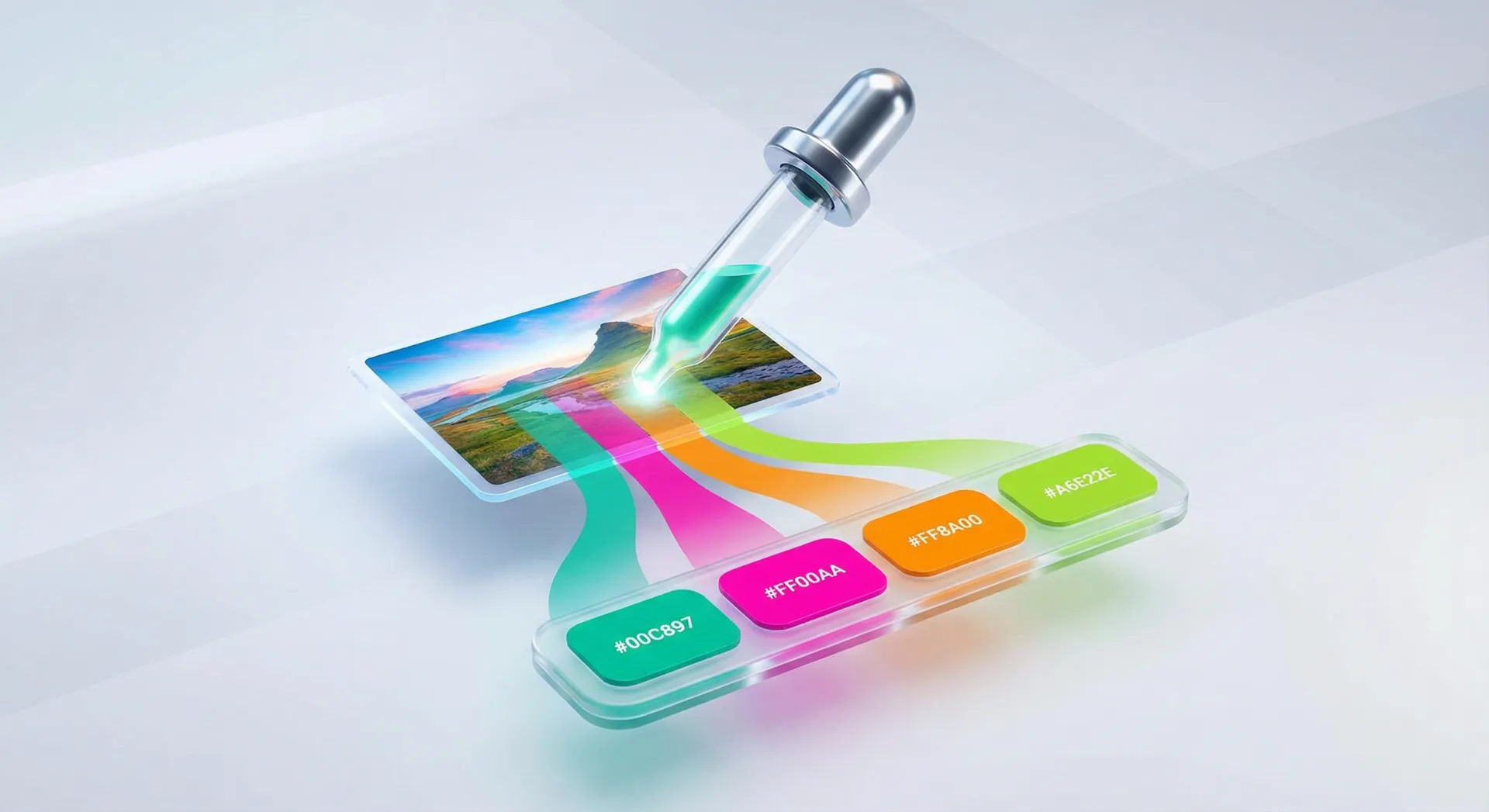
In the field of visual design, color is a core element for conveying emotions and shaping styles. Whether it’s brand VI design, web interface development, photo post-processing, or illustration creation, accurately obtaining color information from reference images is a key step in achieving harmonious color matching. Traditional color picking methods (such as color picking with screenshot tools or the eyedropper function in professional software) often suffer from insufficient precision, cumbersome operations, and inability to extract color palettes in batches, which restrict design efficiency. The Image Color Picker launched by Laoniuma Tools, with “AI intelligent analysis + front-end-only privacy protection + full-scenario adaptation” as its core advantages, has revolutionized the online color picking experience and become an essential tool for designers, developers, and color enthusiasts.
I. Why Do Professional Designs Need an Efficient Image Color Picker?
The professionalism of color matching directly determines the visual texture of works, and an efficient color picking tool can empower the design process:
- Solves the pain point of “difficulty in implementing color references”: When seeing the color matching of excellent works, it is impossible to accurately restore color values with the naked eye. The color picking tool can directly extract standard color values (such as Hex, RGB), ensuring the accuracy of design reproduction or inspiration derivation;
- Improves batch color matching efficiency: Design often requires building a color palette containing 5-12 colors. Manual color picking is prone to color deviations. The tool can automatically generate a coordinated color palette, suitable for brand design, web layout and other scenarios;
- Balances privacy and efficiency: Traditional online color picking tools require uploading images to servers, which poses a risk of privacy leakage. The front-end-only processing technology can realize real-time local analysis, which not only protects image security but also avoids transmission delays.
The Image Color Picker of Laoniuma Tools integrates “precision, convenience, and security” based on these core needs, filling the functional gap between ordinary color picking tools and professional design software.
II. In-depth Analysis of Core Functions: More Than “Color Picking”, But a Color Analysis Expert
1. AI-driven Intelligent Color Extraction with Maximum Precision
The tool adopts advanced color analysis algorithms, which can achieve multi-dimensional color analysis, different from the limitations of traditional “single-point color picking”:
- Accurate main color recognition: Automatically captures the core color with the highest proportion and most prominent vision in the image, providing direct reference for the selection of brand main colors and web theme colors;
- Multi-quantity color palette generation: Supports custom extraction of 1-12 colors. The system will screen out coordinated and unified color matching combinations according to color distribution rules, avoiding the chaos of manual matching;
- Comprehensive color statistics: Provides not only basic color values such as Hex and RGB but also professional parameters such as brightness, saturation, and hue, facilitating designers to adjust colors according to different scenarios such as printing and screen display.
For example, when designing an interface, web developers can upload screenshots of reference websites, extract the RGB values of main colors and auxiliary colors through the tool, directly apply them to CSS code, and optimize the code with the platform’s CSS Formatting/Compression Tool to ensure that the interface colors are consistent with the reference effect.
2. Front-end-only Processing + Multi-format Compatibility, Balancing Privacy and Adaptation
- Privacy and security: All image analysis processes are completed in the local browser without uploading to servers. Whether it’s commercial design drafts, private photos, or unpublished creative works, information leakage can be avoided;
- Multi-image format support: Perfectly compatible with mainstream formats such as JPG, PNG, and WebP, covering the image storage types commonly used by designers. There is no need for secondary processing through the Image Format Converter, simplifying the operation process;
- Seamless cross-device use: Supports two upload methods: “click to upload” and “drag and drop to upload”, adapting to various devices such as computers and tablets. Whether it’s a desktop computer in the office or a laptop when going out, color picking can be started quickly.
3. Practical Function Extension, Connecting the Entire Design Process
The tool not only meets color picking needs but also connects subsequent creation links through detailed design:
- One-click color value copying: Click any color to copy the corresponding Hex and RGB values, which can be directly pasted into design or development tools such as PS, Figma, and VS Code without manual input;
- Color palette download and export: Supports saving the generated color palette as an image format, which is convenient for inserting into design documents, sharing with team members, or making brand color specification manuals;
- Real-time preview feedback: After uploading an image, the color extraction result is displayed immediately. The number of extracted colors can be adjusted according to needs, and the color palette effect can be optimized in real time to reduce repeated operations.
III. Full-scenario Application: From Professional Design to Daily Creativity
1. Professional Design Scenarios
- Brand design: Extract the main colors and auxiliary colors of brand logos and promotional posters, build a unified brand color system, and apply it to packaging, advertising, official websites and other channels;
- Web/APP development: Analyze the color matching of competitors or reference websites, extract color values for interface design, and use the HTML Online Preview Tool to check the color presentation effect on web pages in real time;
- Photo post-processing: Analyze the brightness and saturation distribution of photos through the color statistics function, optimize color adjustment parameters, and make the picture colors more coordinated;
- Fashion design/product design: Extract color information from trend charts and competitor product images to guide fabric color matching and product appearance design, in line with market aesthetics.
2. Daily Creativity and Non-professional Scenarios
- Self-media operation: Extract coordinated color matching for official account covers and short video images to make visual content more attractive;
- Handmade creation: Extract colors from reference images for scrapbook layout and DIY handmade color matching;
- Student assignments: Help design students quickly obtain material color information and improve the professionalism of color matching in assignments.
IV. Tool Advantage Summary: Why Choose Laoniuma Tools Image Color Picker?
Among similar online color picking tools, the product of Laoniuma Tools stands out for its “professionalism, security, and efficiency”:
- Advanced technology: AI color analysis algorithm ensures color picking accuracy, far exceeding the pixel-level color picking effect of ordinary tools;
- Privacy-first: Front-end-only processing mode fundamentally protects user image security, complying with privacy protection specifications;
- Ecological linkage: Can seamlessly cooperate with other tools on the platform, such as adding watermarks with brand colors to design drawings through the Image Watermark Tool after color picking, or compressing the exported color palette images with the Image Compression Optimizer, building a complete design workflow;
- Zero threshold for use: The interface is simple and intuitive, no professional knowledge is required, and both senior designers and beginners can get started quickly;
- Ad-free interference: Pure tool attribute, clean interface without redundant information, focusing on design needs, meeting Adsense’s requirements for content experience.
Whether professional designers need accurate color data support, or ordinary users pursue color harmony in creative creation, the Image Color Picker of Laoniuma Tools can provide an efficient and secure solution. Visit the tool now, upload images to experience intelligent color picking, and explore other practical tools on the platform to make the design process smoother and creative implementation more efficient.
To learn more about image processing tools, read our Ultimate Guide to Online Image Tools.