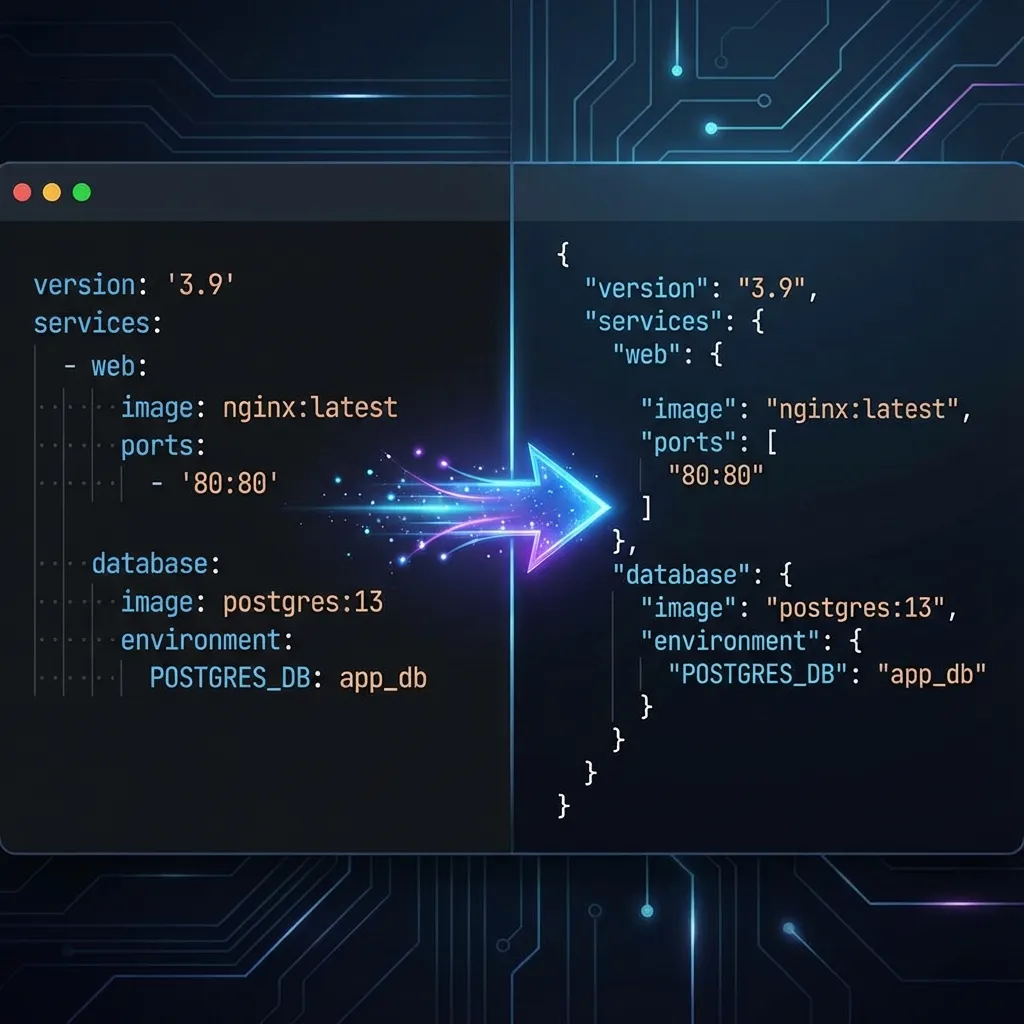
The online JSON Formatter tool helps you beautify, highlight, and compress JSON data, making complex JSON structures more readable and understandable. It supports JSON syntax validation to quickly identify format errors, facilitating development and debugging. With one-click copy, format, and compress functions, it improves the efficiency of handling JSON data. Suitable for front-end and back-end development, API testing, data analysis, and various other scenarios, it's an essential online tool for programmers.
What is JSON?
JSON (JavaScript Object Notation) is a lightweight data interchange format that is easy for humans to read and write and for machines to parse and generate. It is based on a subset of the JavaScript programming language but is language-independent with a text format, making it an ideal cross-platform data exchange language.
JSON format consists of the following basic data structures:
1. Object: An unordered collection of key/value pairs enclosed in curly braces {}. Example: {"name": "John", "age": 25}
2. Array: An ordered collection of values enclosed in square brackets []. Example: [1, 2, 3, "four", true]
3. Value: Can be a string (in double quotes), a number, true, false, null, an object, or an array. Examples: "Hello", 42, true, null
4. String: A sequence of any Unicode characters enclosed in double quotes. Example: "This is a JSON string"
5. Number: Uses the same format as JavaScript numbers. Examples: 42, 3.14159
Through these simple data structures, JSON can represent various complex data, becoming the standard data format for modern web applications, APIs, and configuration files.
When to Use JSON Formatter?
- When developing web frontend and backend interfaces, to better view and understand JSON data returned by APIs
- When writing JSON configuration files, to maintain good formatting and indentation
- When debugging and analyzing JSON data, to check if its structure and content meet expectations
- When presenting JSON data examples in documentation, to beautify the format beforehand
Features
- One-click JSON formatting with automatic proper indentation and line breaks
- JSON compression function to remove spaces and line breaks, reducing data size
- Built-in JSON syntax validation to quickly detect and prompt format errors
- Clean and intuitive interface design with convenient operations like copy and clear
- Support for object and array collapsing/expanding, making it easier to view large JSON data structures