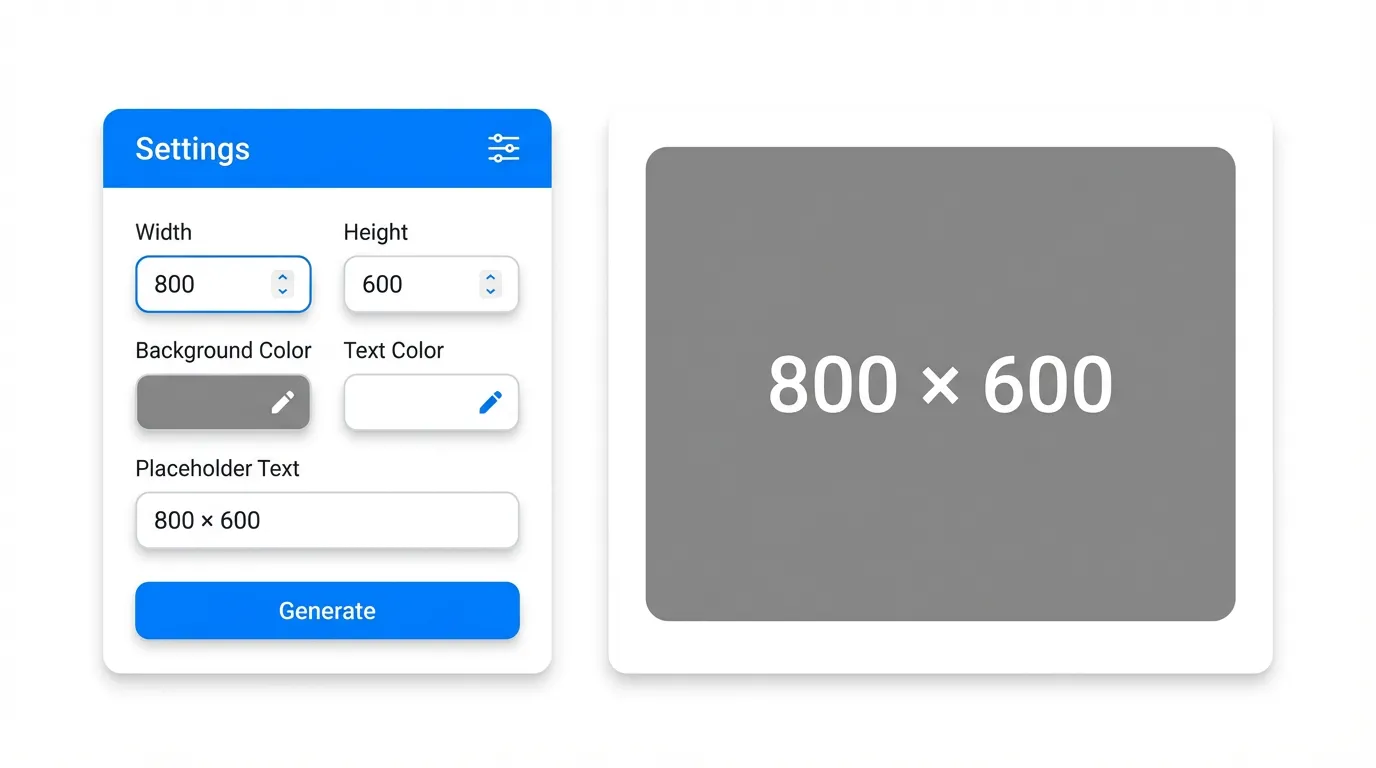
UI Placeholder Generator is a professional online placeholder image generator designed specifically for designers and developers. It supports custom image dimensions, background color, text color, and text content to quickly generate placeholder images that meet design requirements.
This online UI placeholder generator provides real-time preview functionality and supports PNG and JPEG image format exports to meet different scenario needs. Whether for website development, mobile app design, prototyping, or daily design work, it helps you quickly generate high-quality placeholder images.
Features
- Supports custom image dimensions from 1×1 to 5000×5000 pixels
- Supports custom background color and text color to meet different design needs
- Supports custom text content, can display dimension information or other text
- Supports PNG and JPEG format exports, and provides Base64 encoding copy functionality
How to Use
- Set the width and height of the image, or use quick size presets
- Select background color and text color
- Enter the text content to display (default is dimension information)
- Click the generate button, then you can download the image or copy the Base64 encoding